
Page Routing Explained: Tips and Tricks
Learn how to set clean and simple routes for your pages.
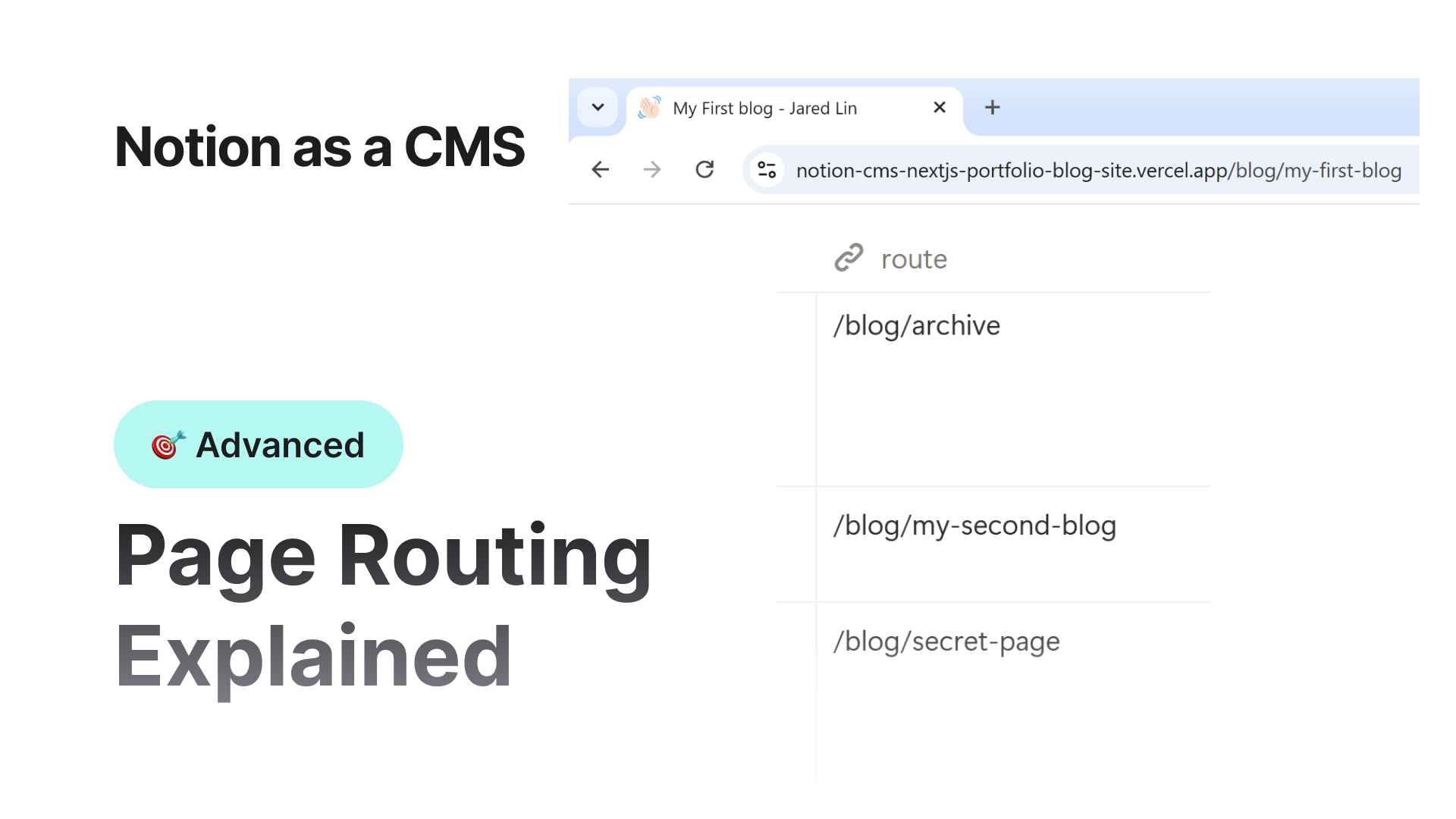

Routing decides how your website pages are accessed through URLs.
Good routing makes your site easier to navigate and improves SEO.
The system is simple. You only need to write the route in the correct format in the Route field of the page.
Basic Rules
- 1.a.i.Every route must begin with
/ - 2.b.ii.Do not add a trailing slash at the end
- 3.c.iii.Routes should be short, clean, and readable
Homepage Route
For the homepage, you must use:
/Do not enter any other value.
Simple Routes
For normal pages, you can assign clean and easy routes.
Examples:
/about
/blog
/contact
/projects
These are ideal for main sections of a site.
Nested or Deep Routes
You can also create structured folder style routes.
Example:
/blog/first-post
/blog/tutorials/getting-started
/projects/mobile-app/v1-release
You can go as deep as you need. The route will still work.
Important Note About Intermediate Pages
If you use nested routes, the folders in between should exist as separate pages in the database.
Example route:
/blog/trending/post-oneTo correctly show breadcrumbs and JSON-LD breadcrumb metadata, the following pages must exist:
/blog/blog/trending/blog/trending/post-one(the final page)
If those middle pages do not exist:
- The route still works
- The page will open normally
- Breadcrumb navigation will not show the missing levels
- SEO structured breadcrumbs for those missing folders will also not appear
Examples
| Route | Should intermediate pages exist | Result |
|---|---|---|
/about | No | Works perfect |
/blog/post-one | Yes (/blog) | Breadcrumb shows Home › Blog › Post One |
/projects/app/ui/intro | Yes (/projects, /projects/app, /projects/app/ui) | Best for SEO |
/blog/tutorial/new with no /tutorial page | No | Works but breadcrumb will miss tutorial level |
Why Routing Matters
- Helps search engines understand site structure
- Makes URLs clean and easy to share
- Improves breadcrumbs for navigation and SEO
- Allows you to organize content like a folder system
Quick Tips
- Use short names
- Avoid random numbers unless needed
- Avoid uppercase letters
- Avoid spaces
- Keep it logical and readable
Good examples:
/blog
/blog/getting-started
/about/team
Bad examples:
/this_is_my-first_page-123
/MyPage
/blog12345Random
Summary
Routing is simple. Just write a clean path that starts with /.
If the route has multiple levels, make sure the intermediate pages exist.
You get better navigation, better breadcrumbs, and better SEO.
 Back
Back